
Teacher Cristina Oliveira teaches English (as a foreign language) at the Carrazeda de Ansiães School Cluster (Portugal) and challenged her 12th-grade students to prepare to lead Ubuntu activities in the school community.
Over 8 lessons, working in groups, students researched inspiring figures, linked the Ubuntu pillars to Human Rights and learned to use generative AI responsibly to support their research. The sessions were part of the Human Rights domain within Citizenship and Development, connecting the subject’s learning with intervention in the school community.
The Ubuntu Vibes project project based on the five Ubuntu pillars (self-knowledge, self-confidence, resilience, empathy and service) and on Human Rights, so that students take ownership of the Ubuntu philosophy and relate it to concrete situations. The project motto is Know · Reflect · Act. Dimensions developed:
- Human Rights and citizenship
- English skills
- Collaborative work
- Social and emotional skills
- Critical thinking and digital literacy
The project has two connected stages.
- Preparation of the Ubuntu activities (this lesson plan): research, presentations, questions and assessment.
- Activities in the school community (Nov 2026 – Mar 2027): two sessions per week, led by 12th-grade students, outside school hours.


Lesson 1
In the first lesson, teacher Cristina Oliveira began by presenting the new challenge to the students: they would get to know Ubuntu Vibes in order to prepare to lead Ubuntu activities at school. She explained what Ubuntu Vibes is and what the Ubuntu principles are: self-awareness, self-confidence, resilience, empathy, service.
In this first 45-minute lesson, the focus was for students to research inspiring figures related to the Ubuntu pillars and to Human Rights!
The teacher presented the handout she had prepared as a guide for the class, which defined the activity to be carried out, its various stages and the rubric. Together, they familiarised themselves with the document and clarified doubts about the work to be done:
- The task
- How to use AI responsibly
- Checklist: what the presentation must contain and how to justify the use of AI
- Checking the dynamic activity included in the presentation
- Results to share with the teacher
The students organised themselves into 4 groups and chose an inspiring figure from a list presented by the teacher, then started the research work:
- Nelson Mandela
- Desmond Tutu
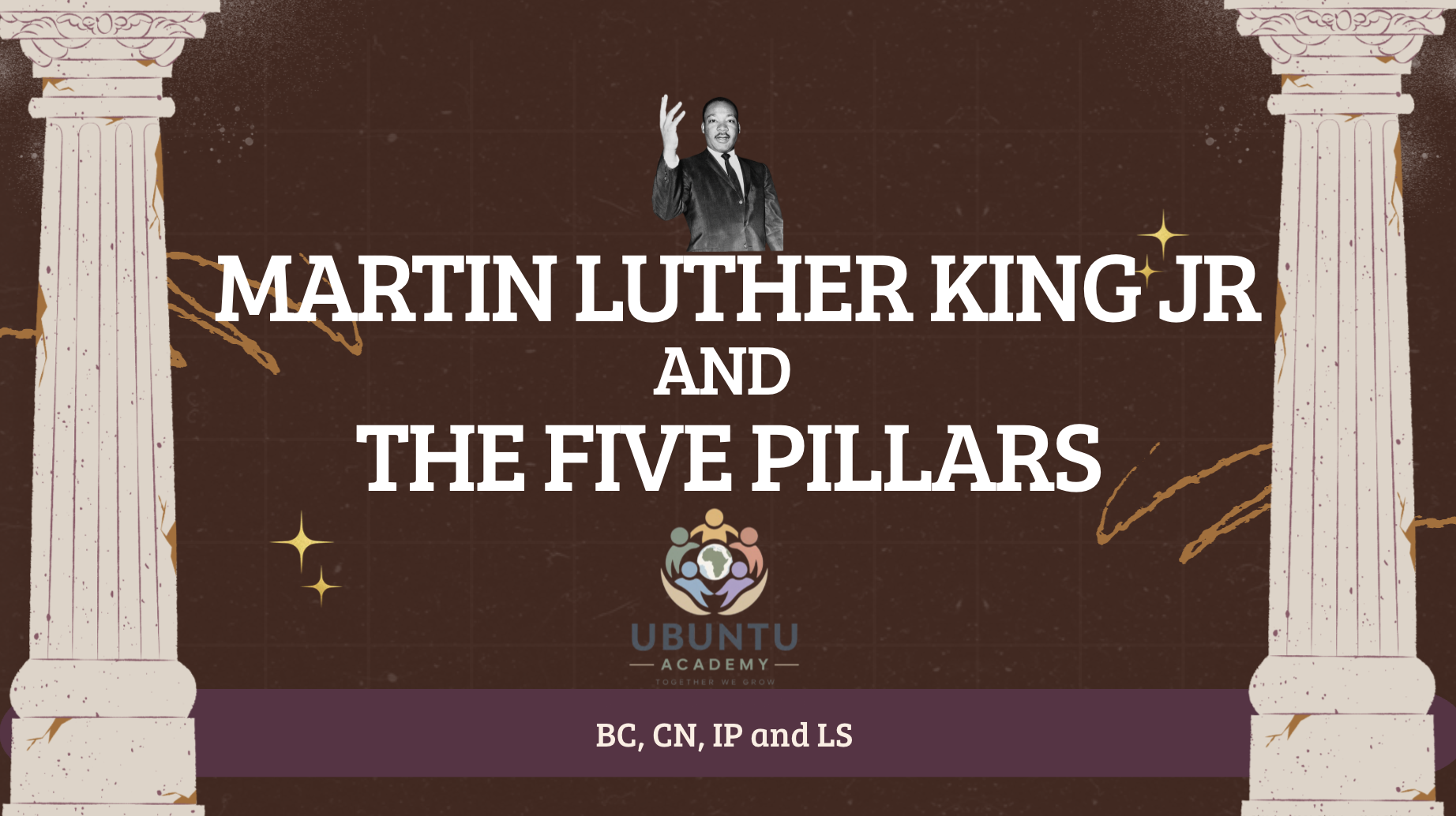
- Martin Luther King Jr.
- Malala Yousafzai
- Mahatma Gandhi
Lesson 2
In the second lesson, students began researching their chosen figure in order to identify links to at least two Ubuntu pillars, reflecting on values and actions related to Human Rights. For the research, they used a generative AI tool of the group’s choice, following the defined guidelines, with students remaining responsible for verifying the information and for the conclusions presented. The guide set out the sequence ask → verify → think → decide and the confirmation of important facts in at least two reliable sources.
Lesson 3
In this lesson, students could use a generative AI tool of their choice to do the research.
USE AI RESPONSIBLY
You can use ChatGPT, Copilot or Perplexity to get ideas, formulate research questions, organise your work and get language support.
Follow this process: ASK → VERIFY → REFLECT → DECIDE.
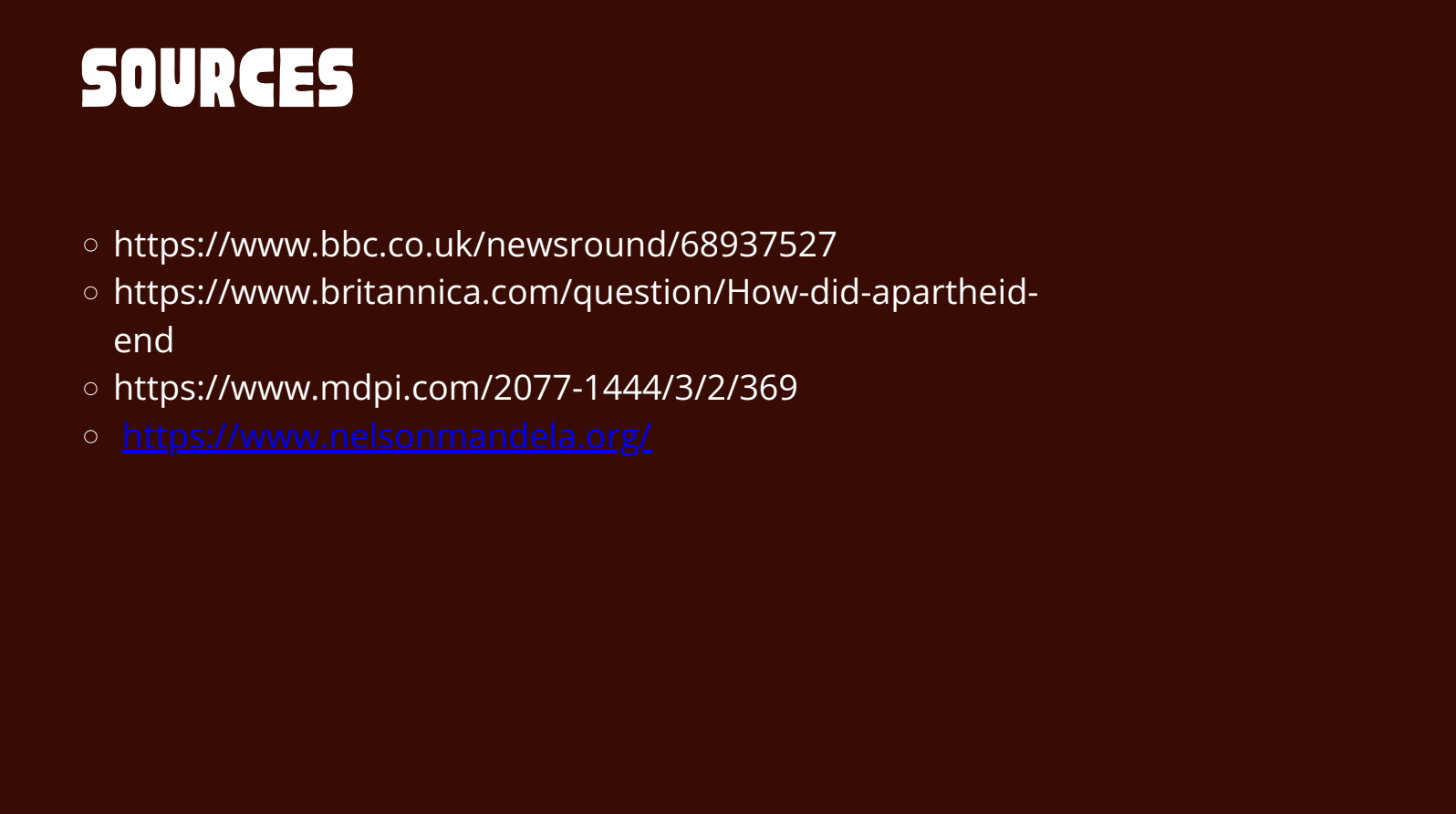
Verify important facts with at least TWO reliable sources. Do not copy AI-generated texts as if they were yours.
For the results generated by generative AI, each group had to confirm the information in at least two reliable and relevant sources.
Lesson 4
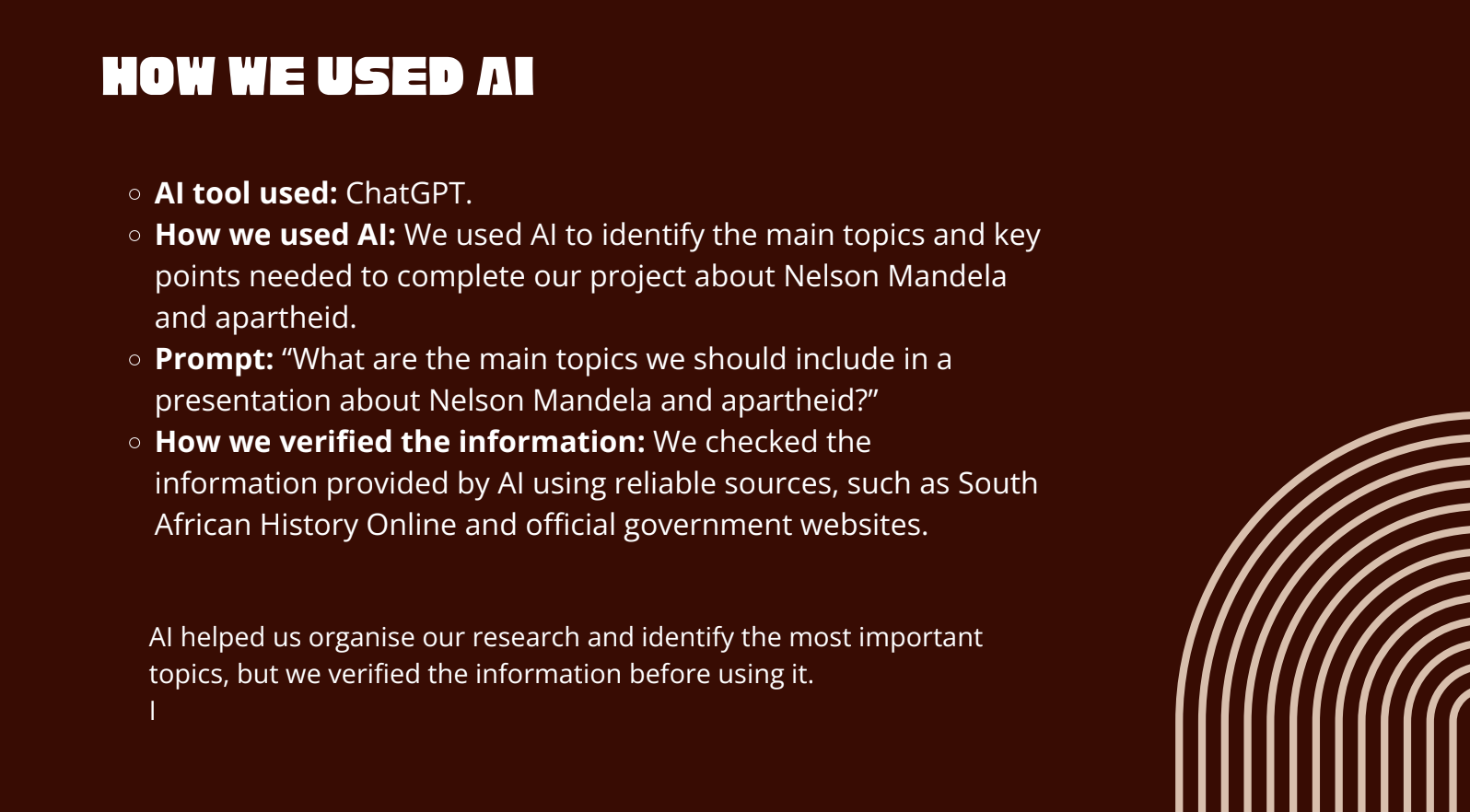
In this lesson, students put together the information they had researched and organised it in a presentation in English (foreign language). To this presentation they added the “How We Used AI” record: the tools used, an example of a prompt and the response generated, and a response that was verified, corrected or rejected, explaining the verification process.
The guide set out the sequence ask → verify → think → decide. The AI tools supported the research, the organisation of ideas and the language work, with students remaining responsible for verifying the information and for the conclusions presented.
Lesson 5
In this lesson, students finished the presentation and developed the dynamic quiz activity to be included in it. Each group wrote 5 to 8 questions, including: more than one type of question; a critical thinking question that challenged an idea generated by AI.
Lesson 6
In this lesson, the groups rehearsed, tested the activity and shared with the teacher at least one digital product of their presentation and of the dynamic activity prepared for their classmates — links to the presentation and to the quiz or feedback activity.
Lesson 7
In the first 45 minutes, the first two groups presented and led their activities, with participation and feedback from classmates.
Lesson 8
In the second 45 minutes, the remaining groups gave their presentations and led their activities, with classmates participating. During the presentations they also shared their reflections on what they had learned and how it applies to leading Ubuntu activities.
Assessment and conclusion
The teacher closely followed the work, observed each member’s participation and contribution and gave feedback, fostering collaborative work. Continuous formative assessment supported the review of the AI-assisted research, the verification of information and texts, the presentations and the activities. In the oral presentation, each student was individually assessed in Speaking (communicative effectiveness, fluency, language, vocabulary and pronunciation). The project rubric complemented this assessment, focusing on content, the link to the Ubuntu pillars, sources, responsible use of AI and the activity with classmates, and also assessing critical thinking: analysing and verifying information, justifying choices and critically appraising the answers generated by AI.
The teacher also questioned each member about their contribution and their use of AI: which tasks it was used for, how they verified the information and which answers they corrected or rejected. The answers were cross-checked against the observation made during the sessions, making it possible to verify understanding of the work, individual involvement and critical use of AI.
The in-class presentation was a preparation stage for the intervention in the school community. By leading Ubuntu activities, students apply what they learned: they organise tasks, explain instructions, listen to participants, encourage cooperation and adapt their approach to the group’s needs. The preparation of the facilitators therefore had a purpose that was at once linguistic, civic, collaborative, digital, social and emotional: the English lessons provided the context for preparation and communication, Citizenship and Development ensured the link to Human Rights, and leading Ubuntu activities makes it possible to put this learning into practice in service to the school community.
Teacher’s Reflection
“I started the Ubuntu Vibes project in the previous school year, with 6 female 12th-grade students, in an incipient way. The project was well received by the school community and the Pedagogical Council decided to continue it. This year I asked the school psychologist to help with leading the activities with the different classes and decided to prepare the 16 12th-grade students I have this year, improving several aspects, although there is always room for improvement, particularly regarding the use of AI.” Teacher Cristina Oliveira
Lesson plan developed in classroom in October 2026.