
Filomena Miguel an English teacher at the Secondary level of education, and also Project Coordinator of the “Erasmus+ team” and the “Study and Digital Innovation,” at the School Cluster of Porto de Mós (central Portugal). In English class, she challenged her 11th-grade students to connect foreign language learning with learning about the responsible use of Artificial Intelligence. The topic chosen was one young people feel strongly about: the environment. Each student had to create an interactive digital resource, in English, that could be used by others, motivating them to act and protect the environment. In the end students had to pitch their resource to the class in a persuasive way.
Part One: Presenting the challenge and the guiding worksheet
The teacher presented the goal of the project: each student would create an action-oriented interactive digital resource in English to help others understand environmental activism, reflect on their carbon footprint, or become more ethical consumers.
The key requirement: the resource had to be useful, practical, and lead the person to a concrete action, presenting facts was not enough.
To structure the work, the teacher handed out a worksheet ‘Student Guide: Creating an Interactive Digital Resource with AI (Gemini Canvas)’ which she created with AI support and reviewed before delivering. The guiding worksheet included:
- The definition of the final product: title, audience, learning objectives, key content, and interactive format.
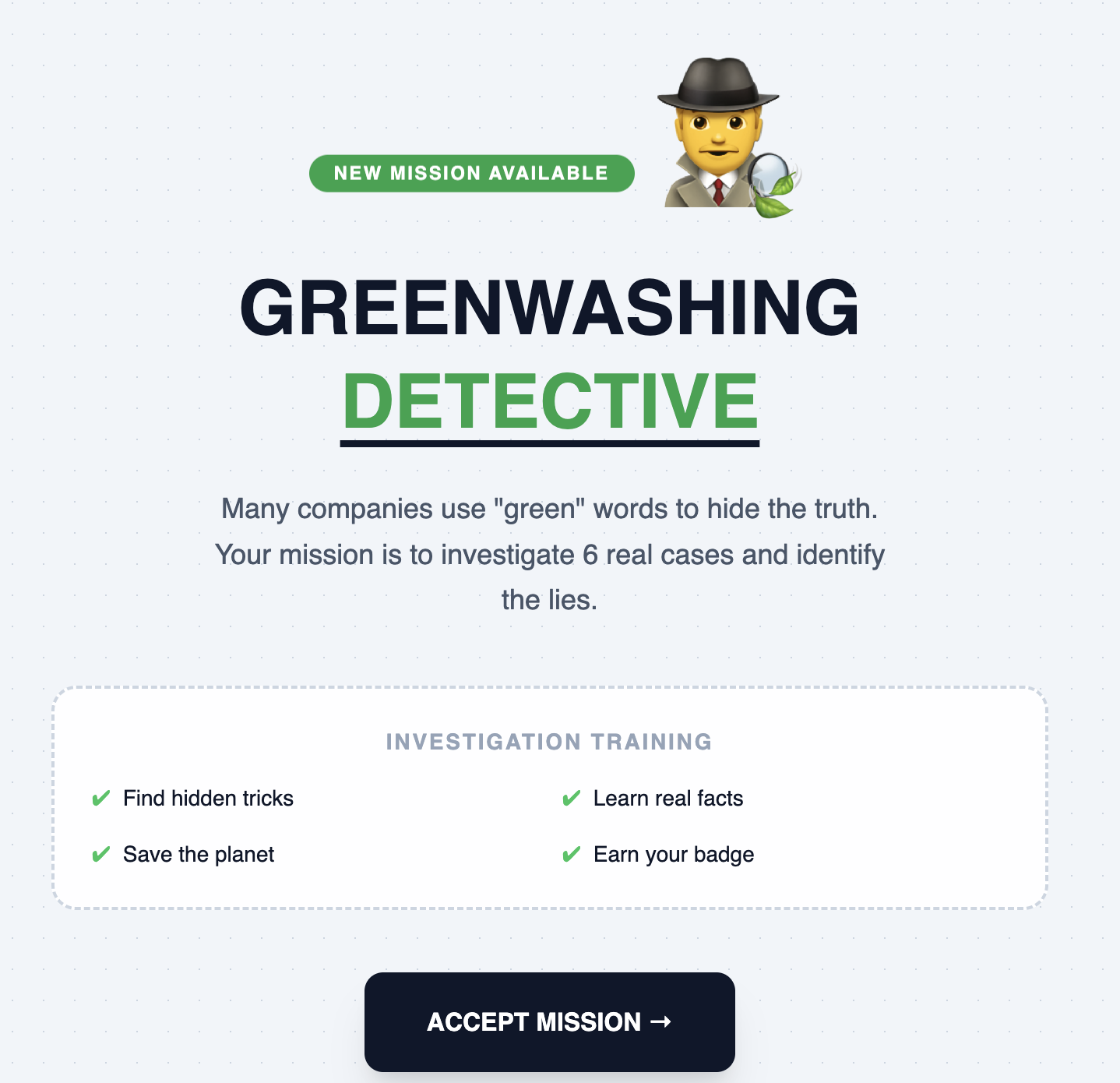
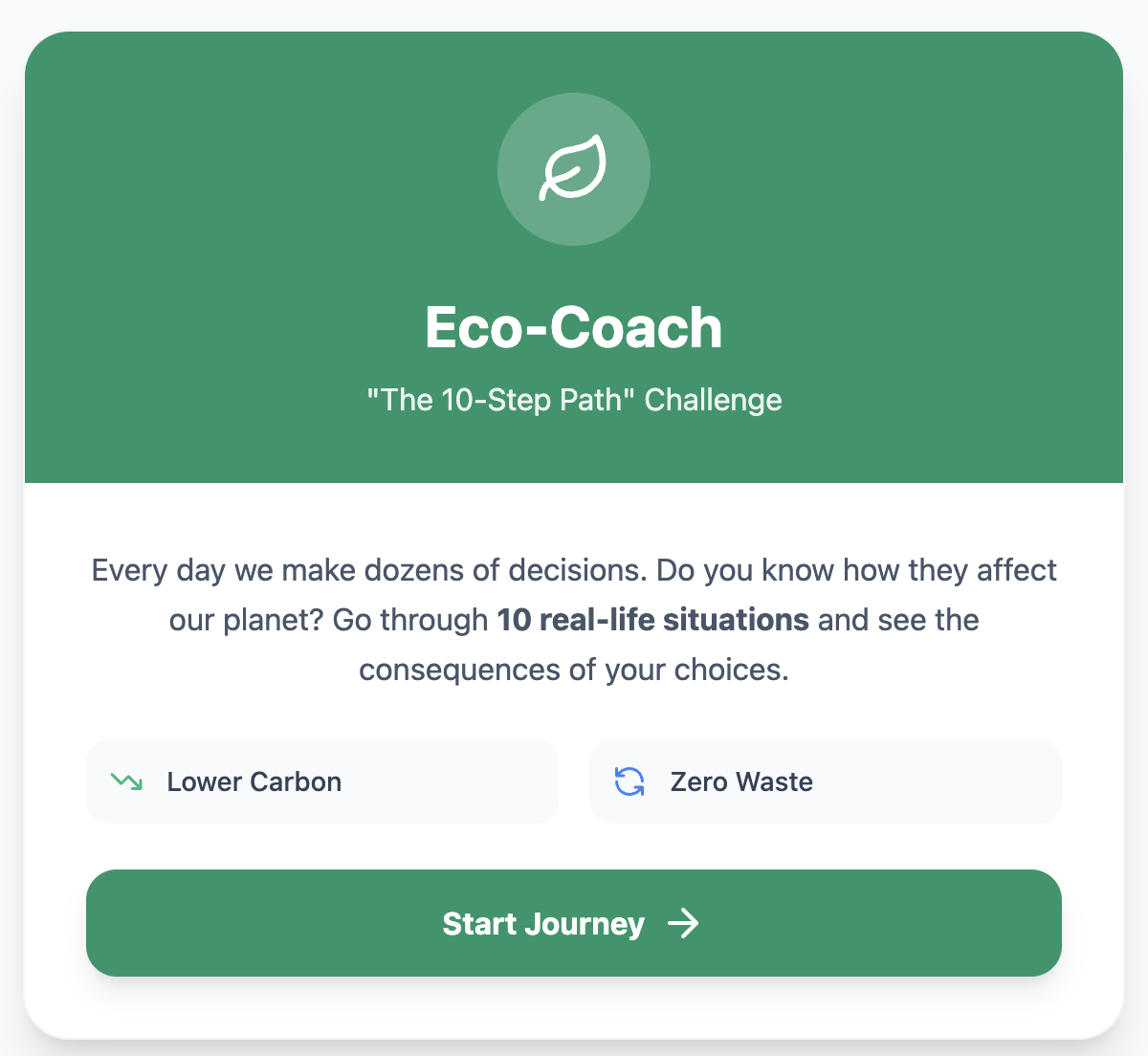
- Eight interactive formats to choose from, each with a description and practical guidance: Planner, Eco-Coach, Action Toolkit, Greenwashing Detective, among others.
- A step-by-step workflow for Gemini Canvas.
- Assessment criteria and ethical rules for using AI.
The teacher offered thematic suggestions to help anyone struggling for ideas, but students were entirely free to choose a different topic.
Part Two: Demonstration and first tests
The teacher demonstrated how to access Canvas in Gemini and ChatGPT, tools most students were unfamiliar with. Then each student:
- Chose their thematic focus (open to go beyond the worksheet’s suggestions).
- Began writing their own prompts in English.
- Ran their first creation tests in Canvas.
The teacher moved around the room, guiding students individually, helping to simplify the English in the resource descriptions or to rephrase prompts.
A lesson entirely devoted to developing the interactive resources. Each student:
- Adjusted prompts and corrected errors in the generated content.
- Refined the interactivity and the organization of the resource.
- Simplified or rephrased the language where needed.
During this process, students realized that AI’s first result is rarely satisfactory and that iteration is necessary, rewriting instructions, fixing errors, reorganizing content. Some with more difficulties needed extra guidance to understand what their own product was actually doing.
Several students asked to postpone the presentations until after the break so they would have more time to improve their resource. The teacher agreed, and some worked over the break.
Part One: Presentations
Each student had 5 to 6 minutes to present. The format combined pitch and live demonstration:
- Present the interactive resource, what it was, who it was for, why it was useful.
- Call a classmate volunteer to test the resource in real time.
- Explain features, design choices, and pros and cons while the volunteer interacted.
- Gather feedback from the volunteer and the class.
Some students used supporting slides (allowed to use AI, as long as they acknowledged it); others demonstrated only the product. The teacher noted that those who hadn’t selected and edited the AI-generated content struggled more, because they didn’t have a firm grasp of what was on their slides.
While watching, the other students filled in a self and peer-assessment form and briefly discussed each presentation with the teacher.
Part Two: Examples of the resources created
Among the final products, the following stood out:
- Greenwashing Detective (Letícia): An investigation of 6 cases of brands with misleading environmental claims. The user analyzes claims such as “100% pure” and identifies red flags. It includes feedback and guidance on looking for official certifications. (Teacher’s note: the cases were suggested by AI and were not verified against real sources — a gap identified as the next step, ideally through interdisciplinary work.)
- Green Step: Practical steps toward a more sustainable life.
- Personal Toolkit for a Sustainable Life (Maria): Includes introductory theory, a planner that creates 3 new outfits from existing clothes, a reflection stage, and extras added by the student. Considered by the teacher one of the best presentations.
- Eco-Coach 10-step challenge and 7-step challenge (two students, different approaches): A “Choose Your Path” format with scenarios and consequences.
- Carbon Footprint Self-Check: A carbon-footprint diagnosis with a score and recommendations.
- Eco-Action Toolkit: A practical guide to becoming an environmental advocate.
All resources were shared via public Gemini Canvas links.
Part Three: Students’ final reflection
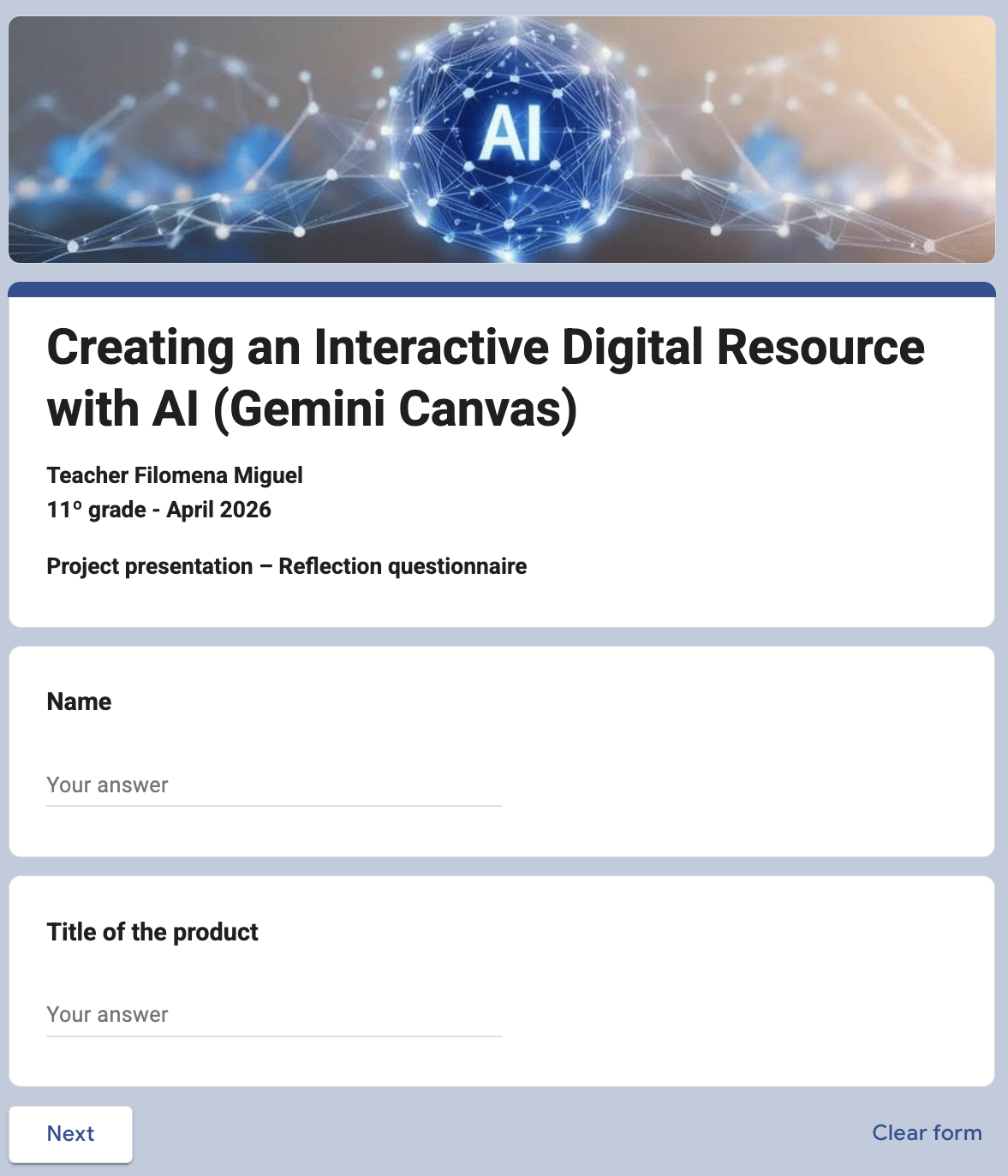
At the end of the presentations, the teacher ran a reflection survey (anonymous responses). The results:
- Most interesting: the interactive choices, the environmental message, and the practical use of the products.
- What they learned: more about the environment, digital tools, the use of AI, and, in one case, game design.
- Hardest part: choosing the focus, organizing the information, preparing the presentation, and “using AI in a good way”.
- How AI helped: idea generation, organization, faster content creation. Several stressed that “otherwise they wouldn’t have managed”, but that they had to make the final decisions and fix errors.
Closing remarks from students (a selection):
“It was hard to work with AI, but I learned more. It was a good experience.” (Student)
“Needs a bit of tuning” (Student)
“AI can be annoying sometimes, because it doesn’t follow instructions” (Student)
“Note that this is App Development. It’s not perfect yet” (Student)
“Enormous pain. It makes constant mistakes, and fixing one problem sometimes created another” (Student)
Conclusion
Over the four lessons, students went through every stage of creating a digital product with AI, conceiving, building, iterating, presenting, and reflecting, reinforcing the unit’s environmental content, practicing persuasive speech in English, and developing AI literacy and critical-thinking skills.
Teacher’s Reflections
“My goal was to get them to reflect more on the environment and to introduce some AI literacy. It’s through this practice and these creations that you train the interactions and become aware of certain things. Just talking about it in class isn’t the same.
Most students managed to use AI, selecting only what interested them most from the outputs. Other students aren’t yet able to make that selection from the outputs, and that showed in their presentations — which was a very important learning experience.
Teachers’ lack of time to plan different lessons is a problem that affects me too, but this time I said ‘No! I have to stop and sit down for my classes.’ You have to start somewhere!
I always run a questionnaire at the end of each project, during class, to help me understand how students experience it and what I can improve.”